Bring your own music.
Import your music folder(s), tag your files, and rediscover the music you already own.
Fix missing metadata, embed high-res artwork, and experience High Quality Playback. Designed to handle thousands of tracks.
Open source. No Subscriptions. No telemetry.
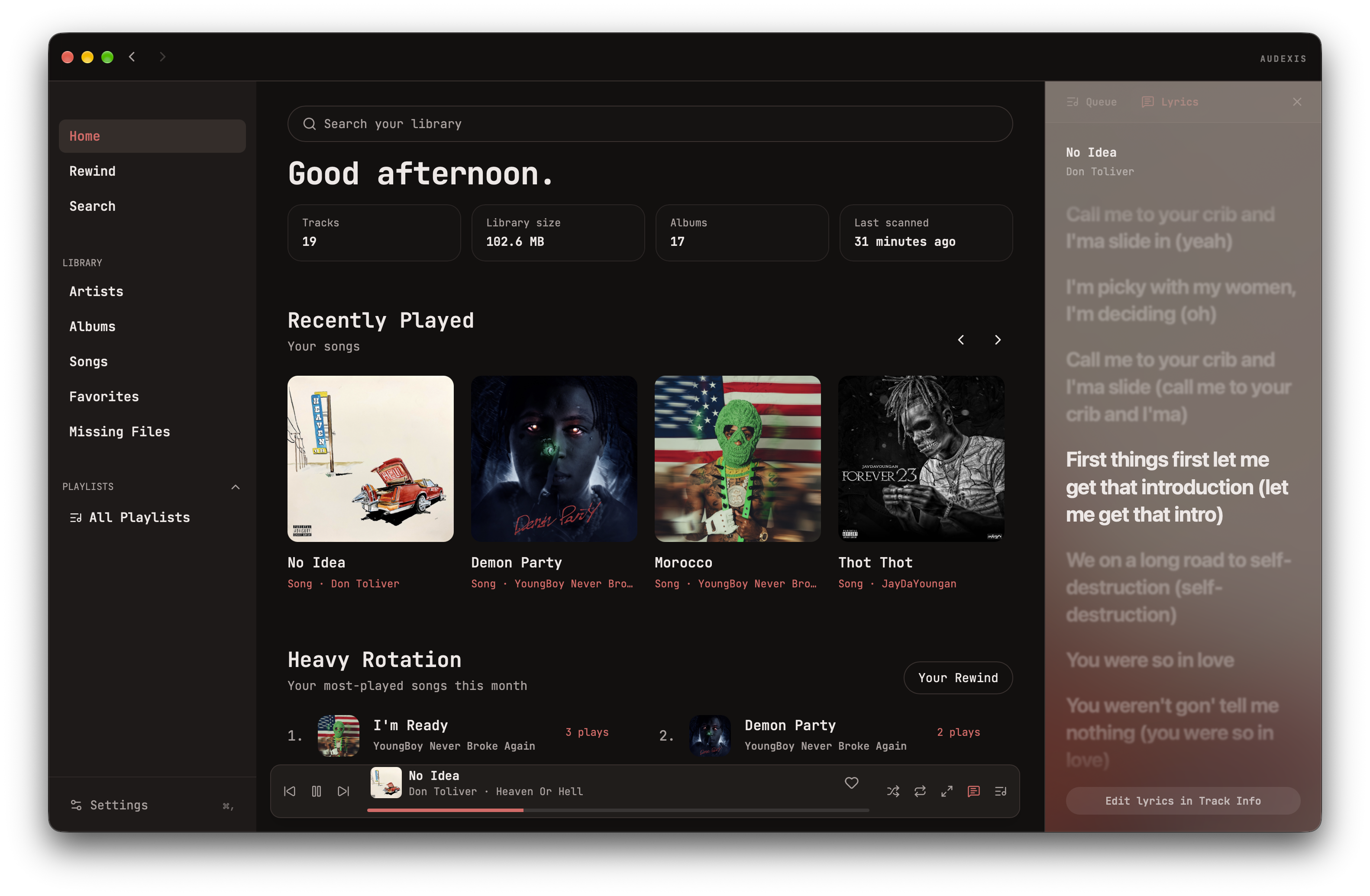
BUILT AROUND YOUR COLLECTION
Import your music folder(s), tag your files, and rediscover the music you already own.
Browse by album, artist, or song. Build a playlist, save a favorite, and create your own rotation.
Pick up a recent listen or revisit an old favorite. Your home screen brings your collection back into focus.
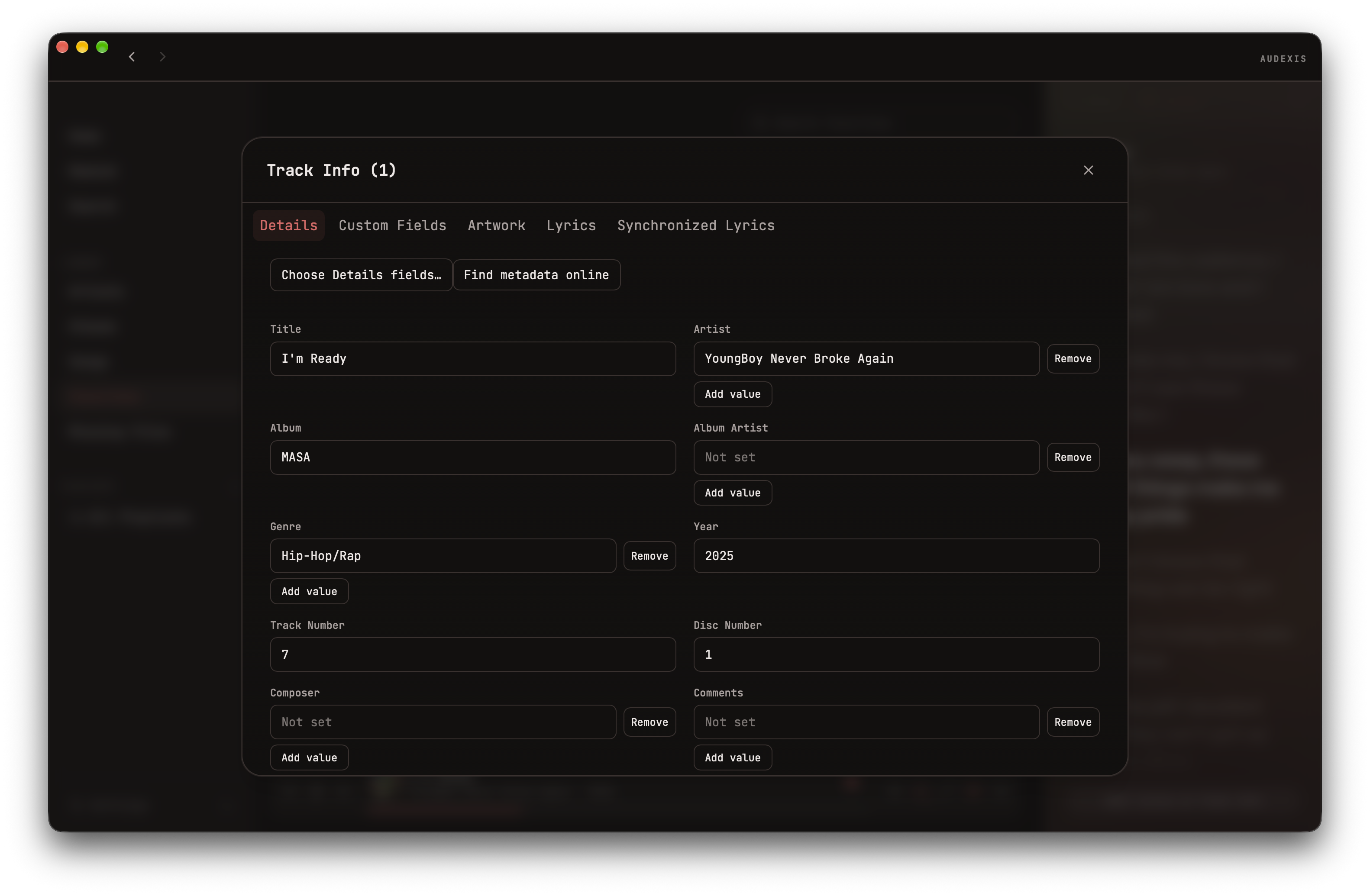
MAKE IT YOURS
Fix missing titles, update artists and albums, and give your collection the details it deserves.Add custom fields and save your changes directly to your music files.
MEET REWIND
See the artists, albums, and tracks you’ve spent time with. Explore your listening history by month or year, and find your way back to a favorite.
Get to know Rewind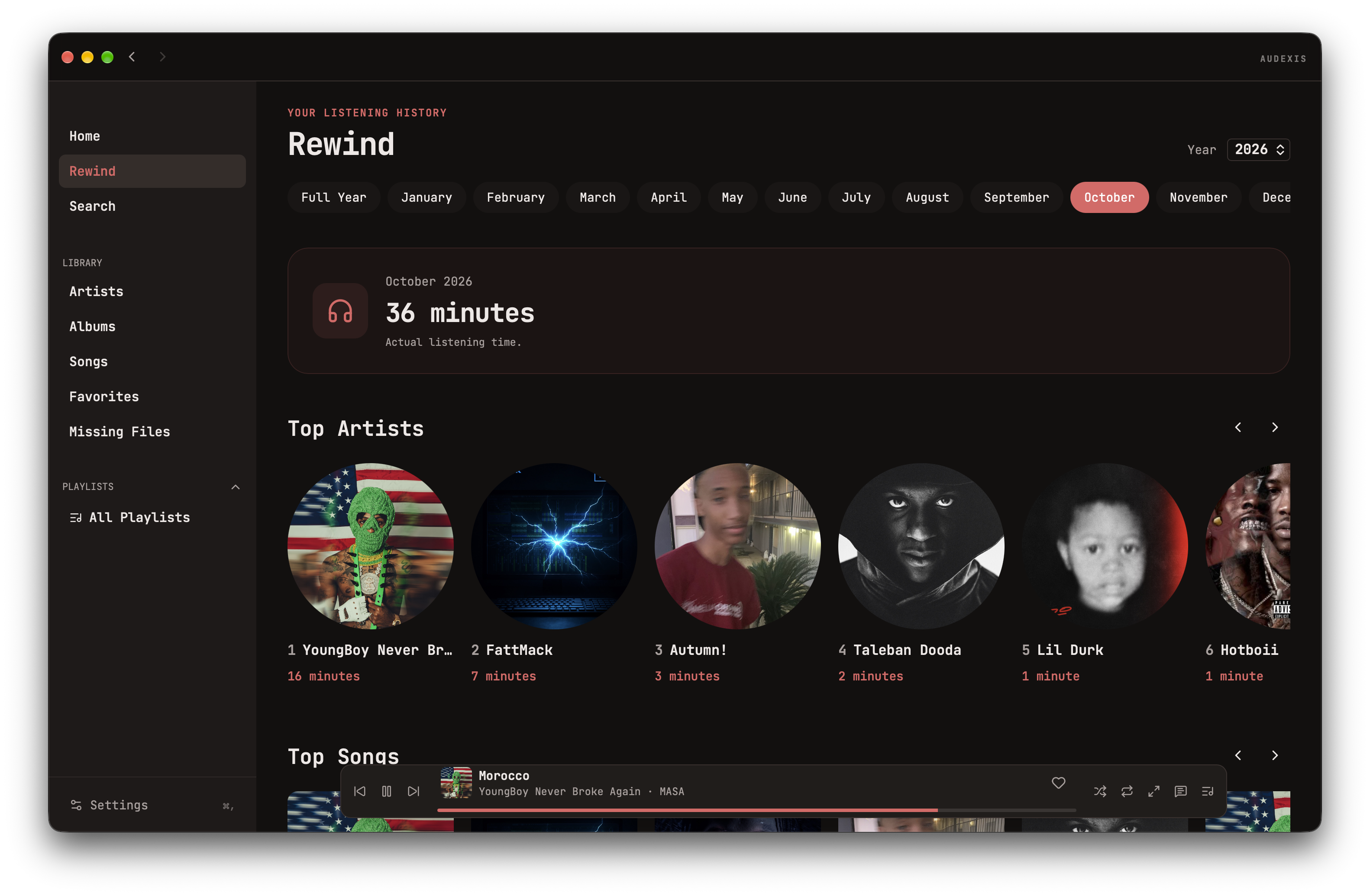
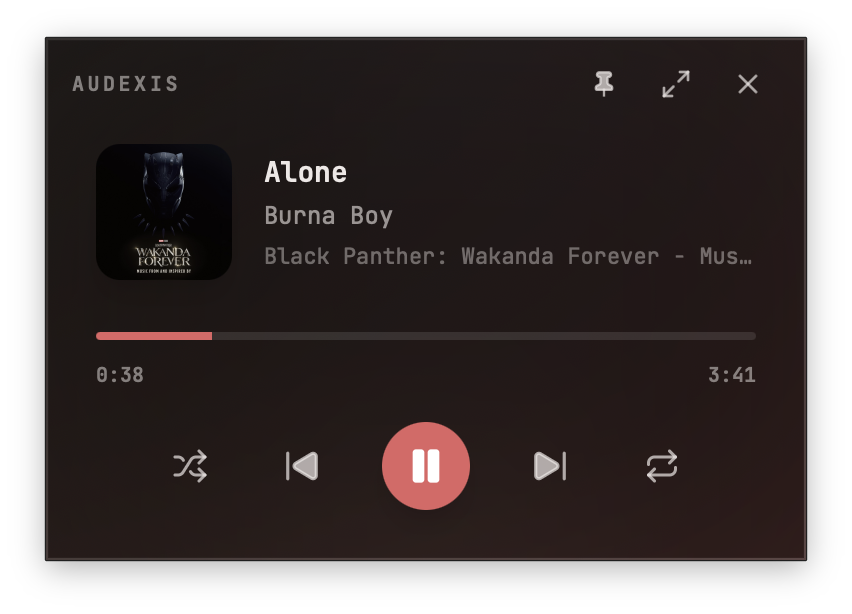
KEEP MUSIC CLOSE
Keep your music beside whatever you’re doing in a compact, separate window. See what’s playing, skip tracks, and seek to your favorite part or pin the player above other windows to keep it close.
KIMMERSE YOURSELF
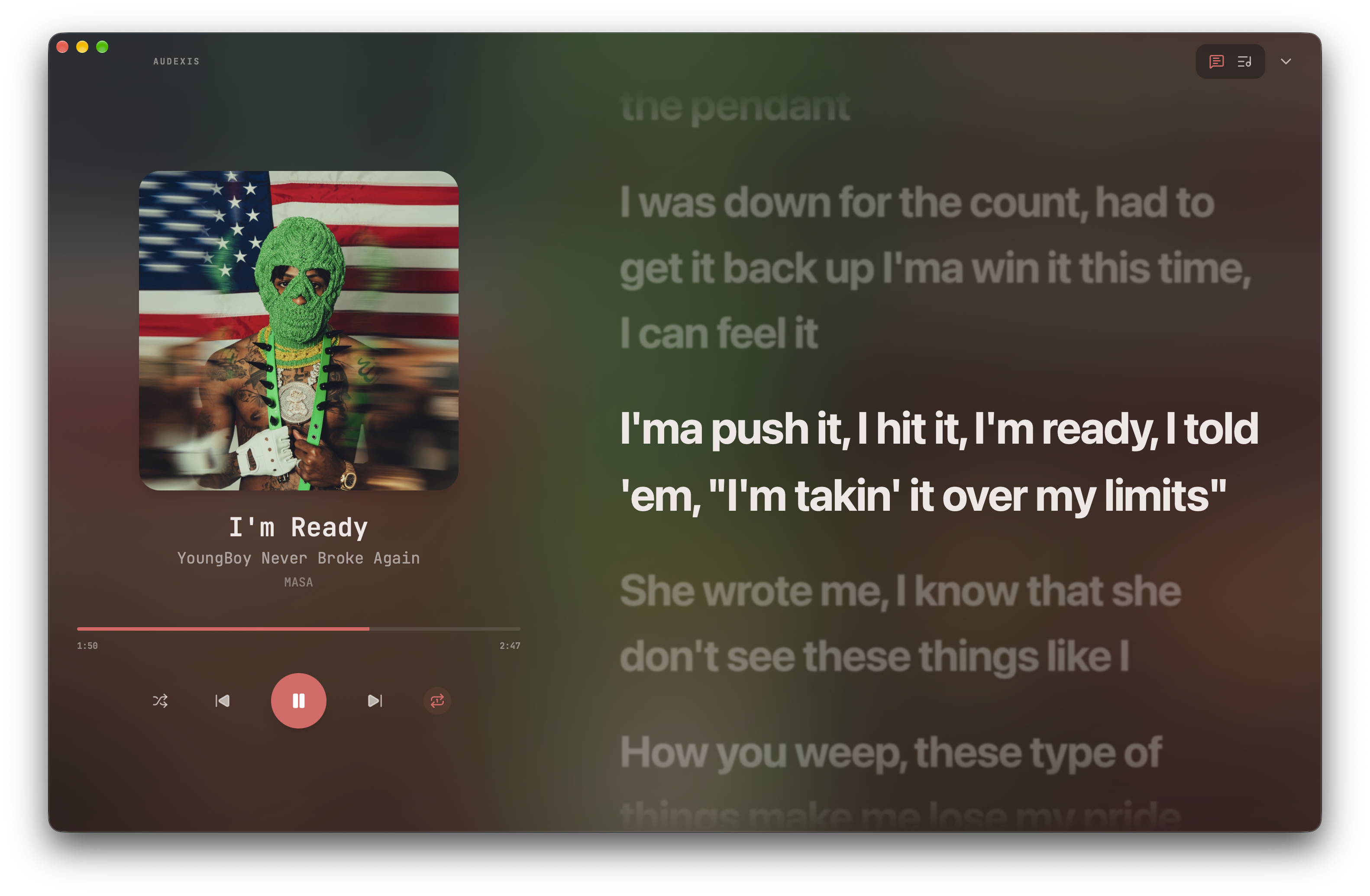
Set your library aside and settle into what’s playing. Follow the lyrics and explore your queue with playback controls always within reach.
FROM FOLDER TO FAVORITE
Choose your system on the download page.
Add your music folders and let Audexis scan your library.
Choose an album, make a playlist, or go straight to a favorite.